The drive to your next stop, right on the schedule.
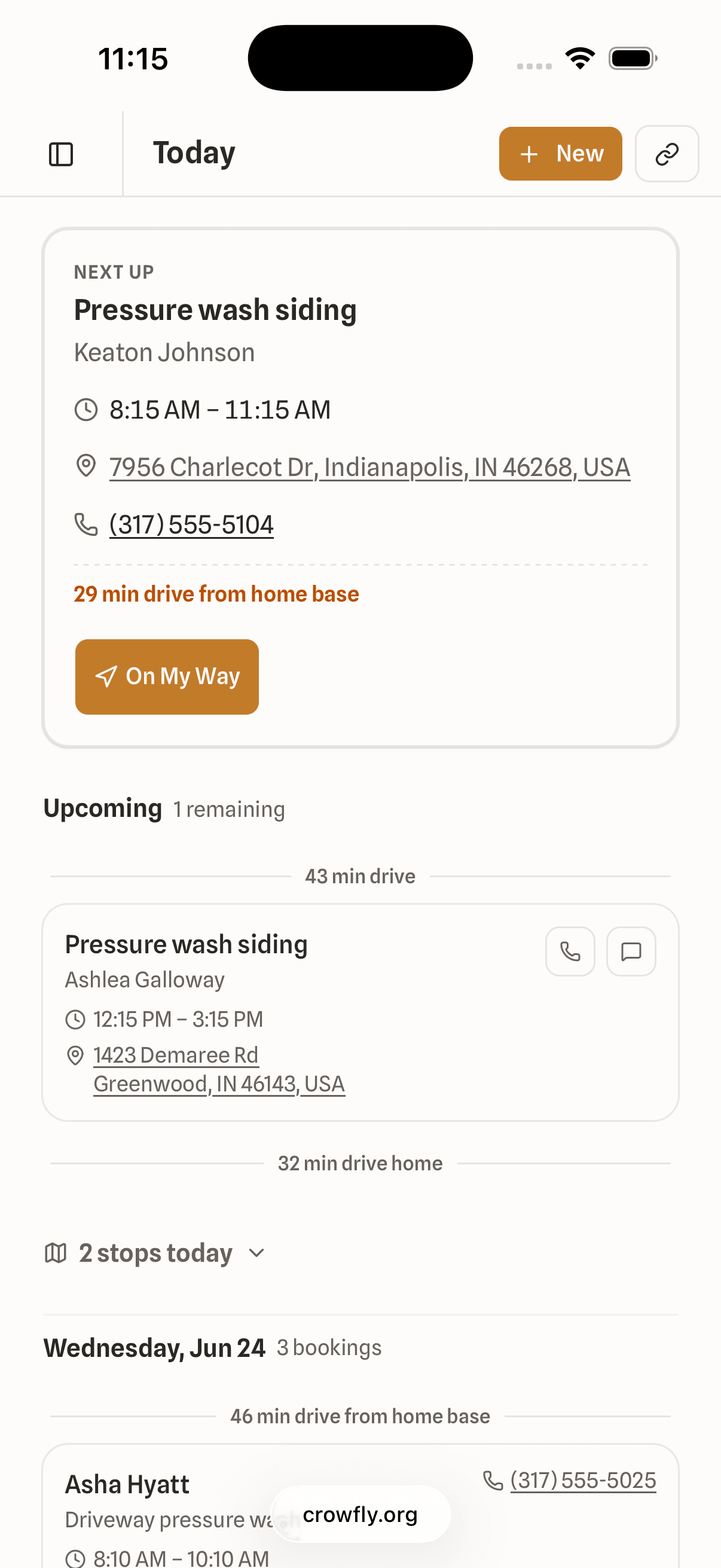
Pull up at a job, the next one's already loaded: who, where, how long to get there. Tap 'on my way' and keep moving.
- One-tap 'On my way' text to the next customer
- Drive times between every stop, right on the schedule
- Photos and notes attach straight to the booking
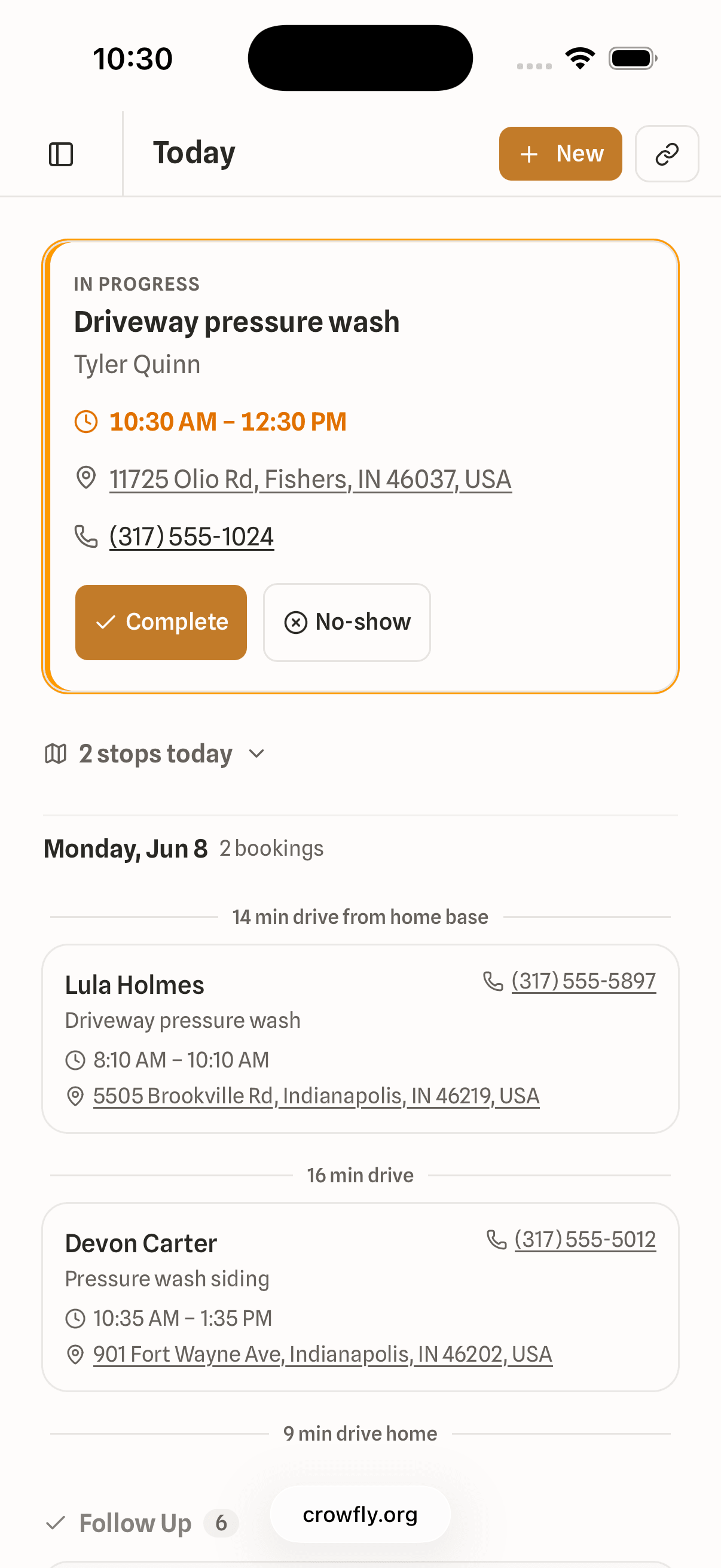
A day on Crowfly
A handful of taps from morning to paid.
Mid-job glance. One screen. Crowfly is built to be useful in the 90-second window between leaving one truck door and opening the next.
Open the app
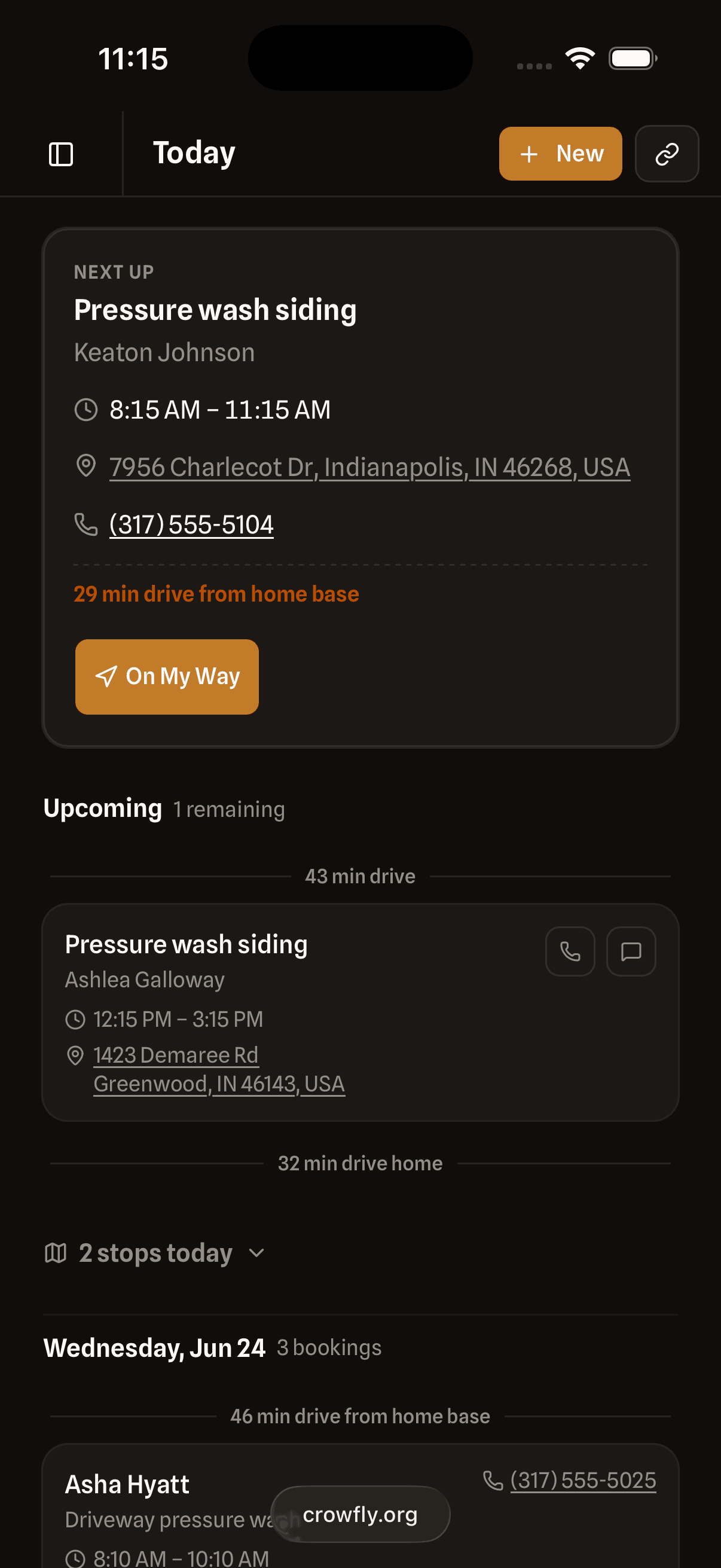
The Next-Up card shows what's after this. Drive time, address, who it's for.
Tap 'On my way'
One tap sends the text: 'Sparkle Clean is on the way!' That's the default; every word is yours to edit.
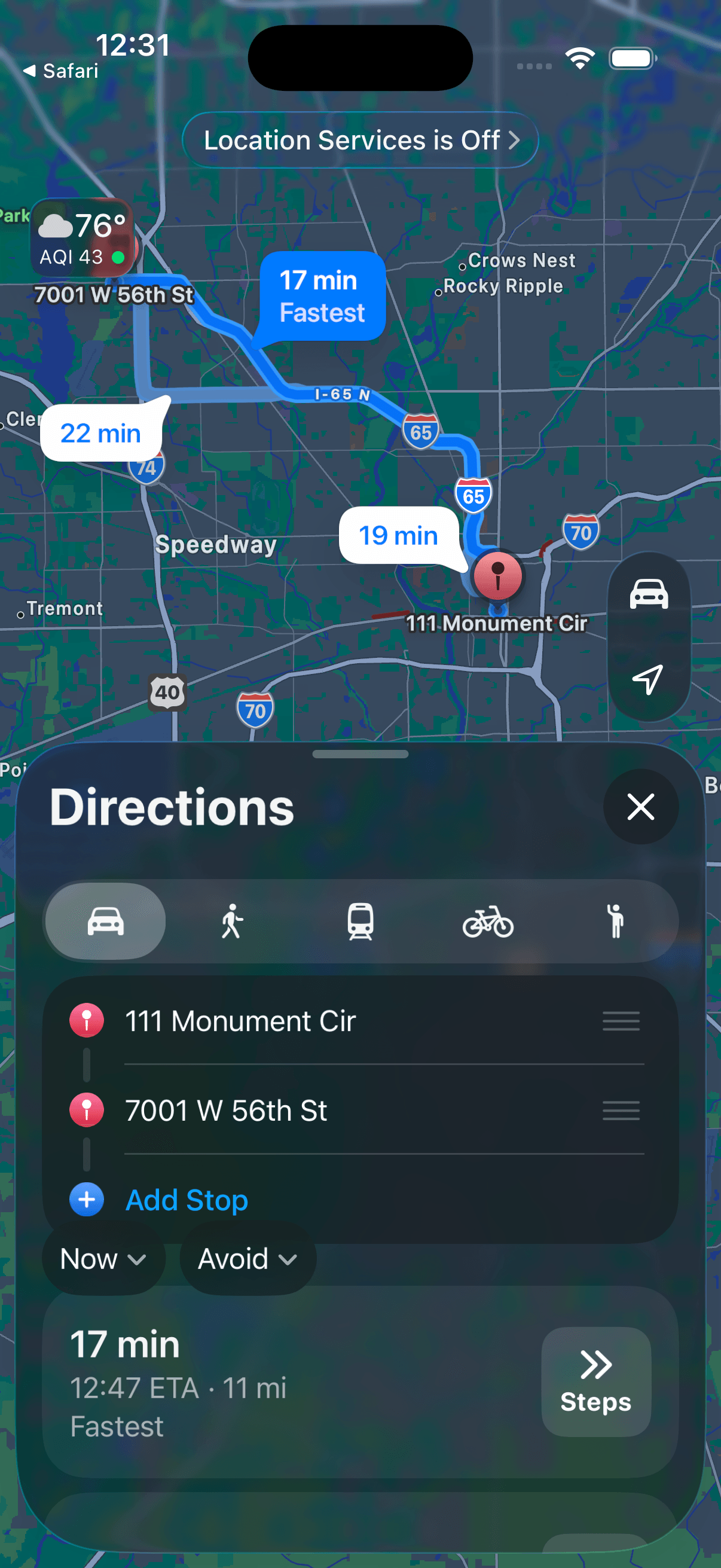
Drive to the next stop
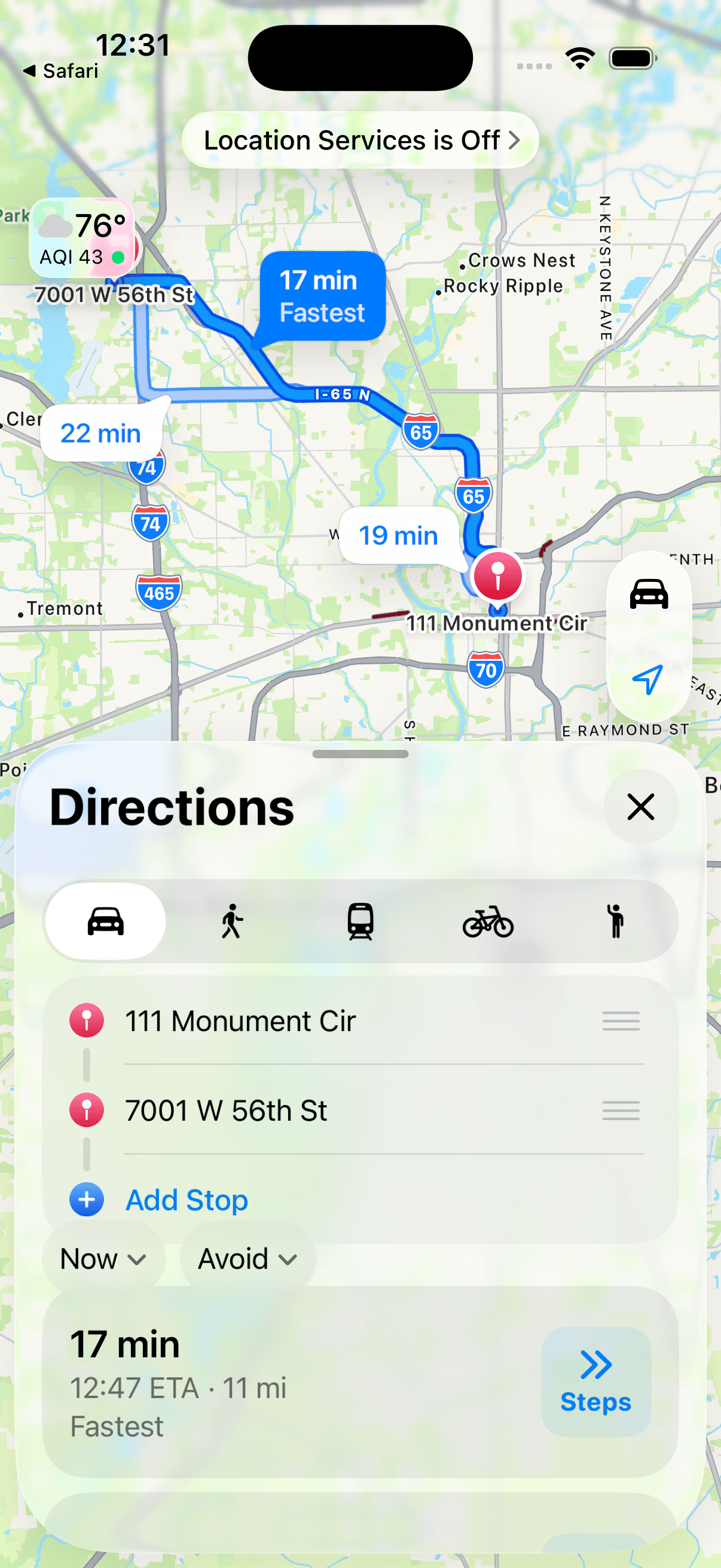
One tap opens directions in Google Maps or Apple Maps, whichever you use. Maps gets you there; the job itself stays in Crowfly.
Mark the job done
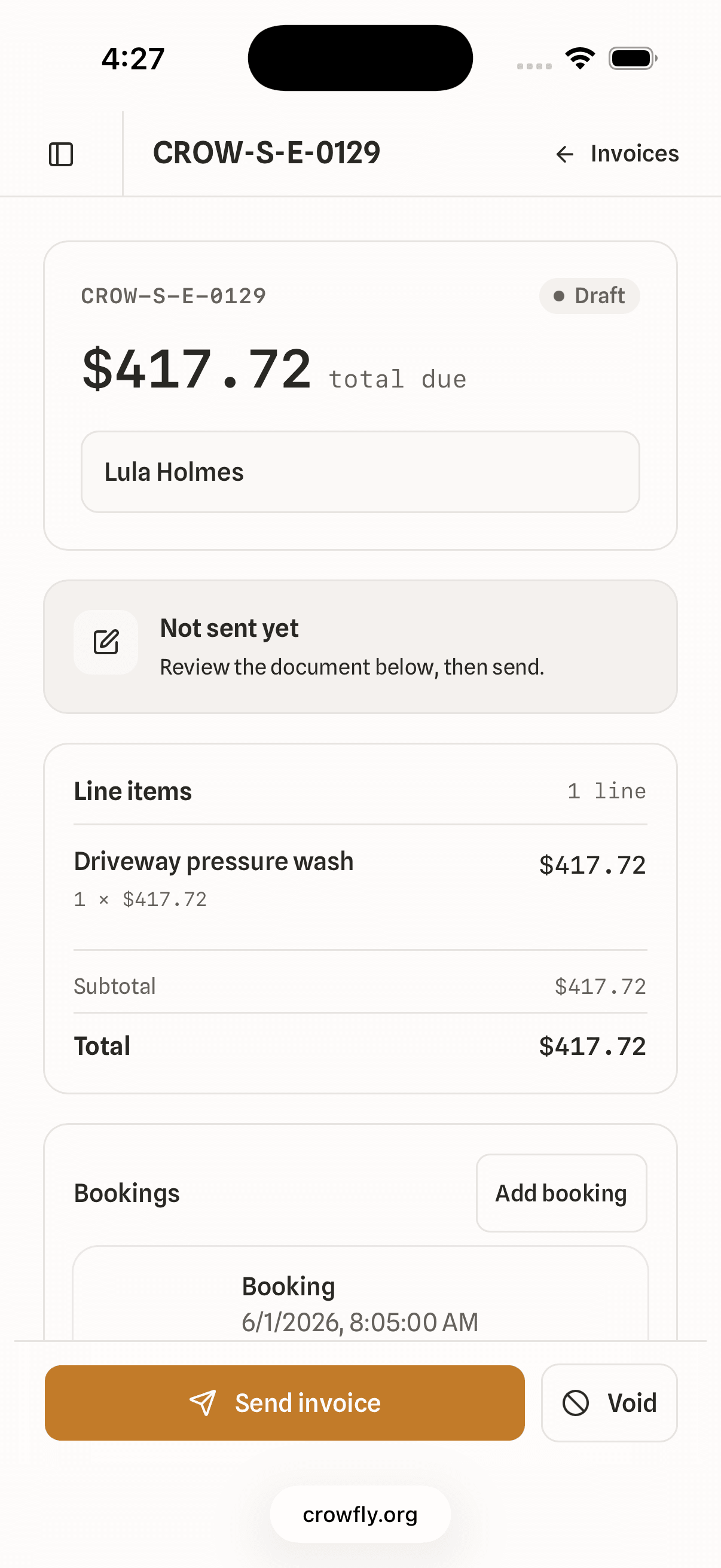
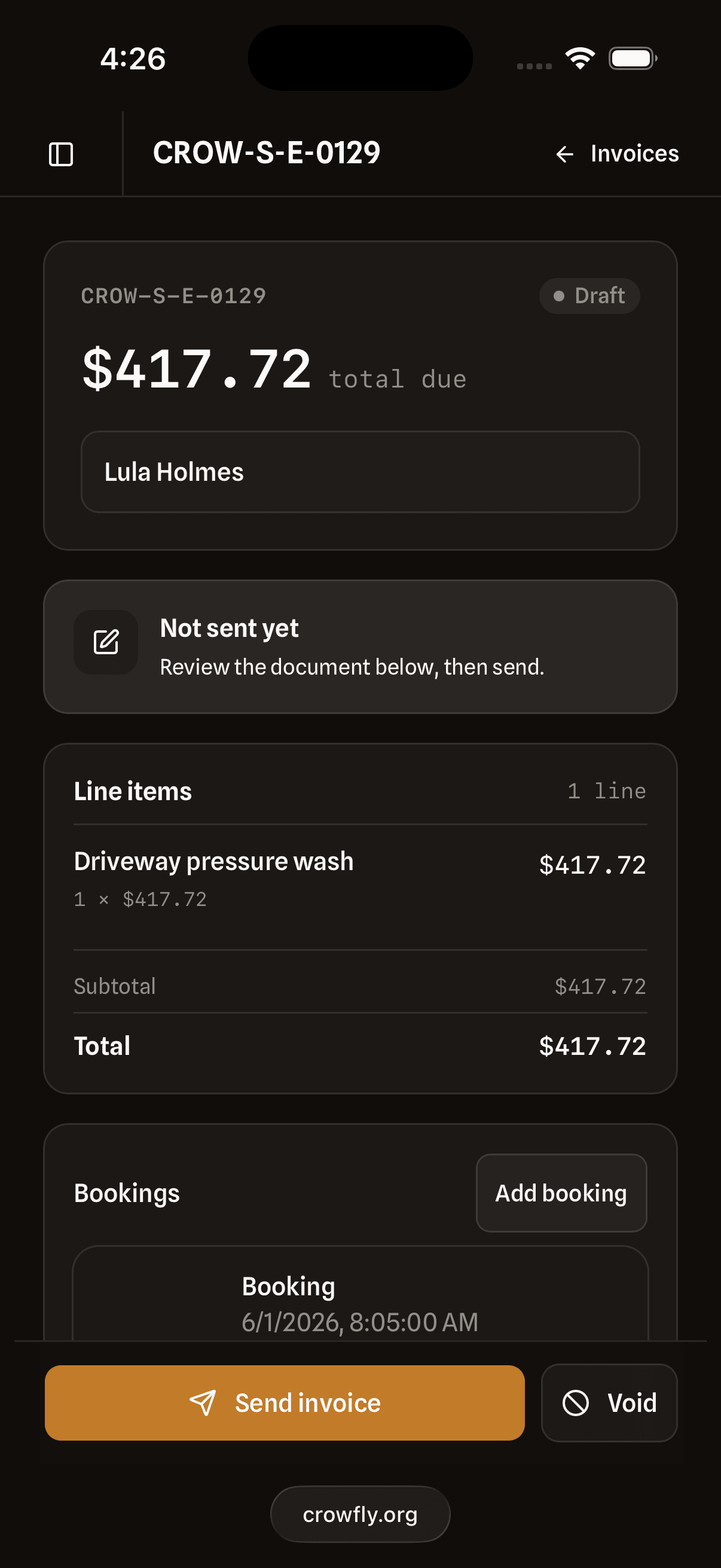
Photos and notes attach to the booking; they flow into the invoice automatically.
Send the invoice
From the booking, one tap. Send a Stripe checkout link, or take cash or a check and mark it paid. Stripe's optional.
Common questions about operations
Yes. The day view is mobile-first. Open the app and your Next-Up card shows the current job, drive time, and deposit status. The full schedule is one swipe away. No desktop required.
It fires when you tap the button, not automatically. That keeps you in control: if you're running early or late, you tap when you're actually heading out. The text is personalised with the customer's name and your estimated arrival.
Stop booking yourself across town with no time to get there.
Free for two weeks, no card. Slow month? Pause it. Done with it? Cancel it. Both from your phone, both in a tap.